A cover sheet with the parties and the result at a glance, the complete inspection list, the defect list — and the photos embedded, not attached alongside.1
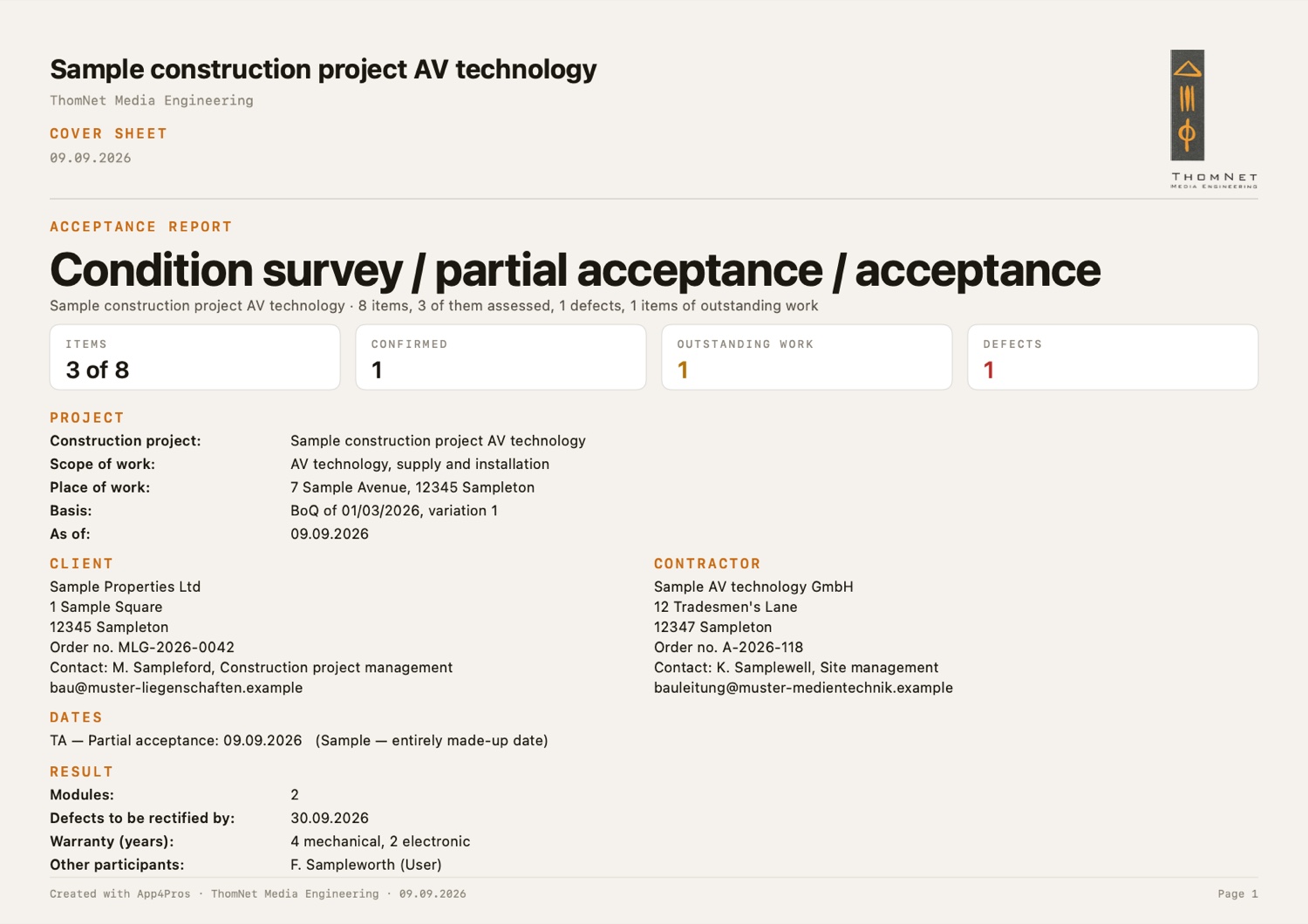
Cover sheet.
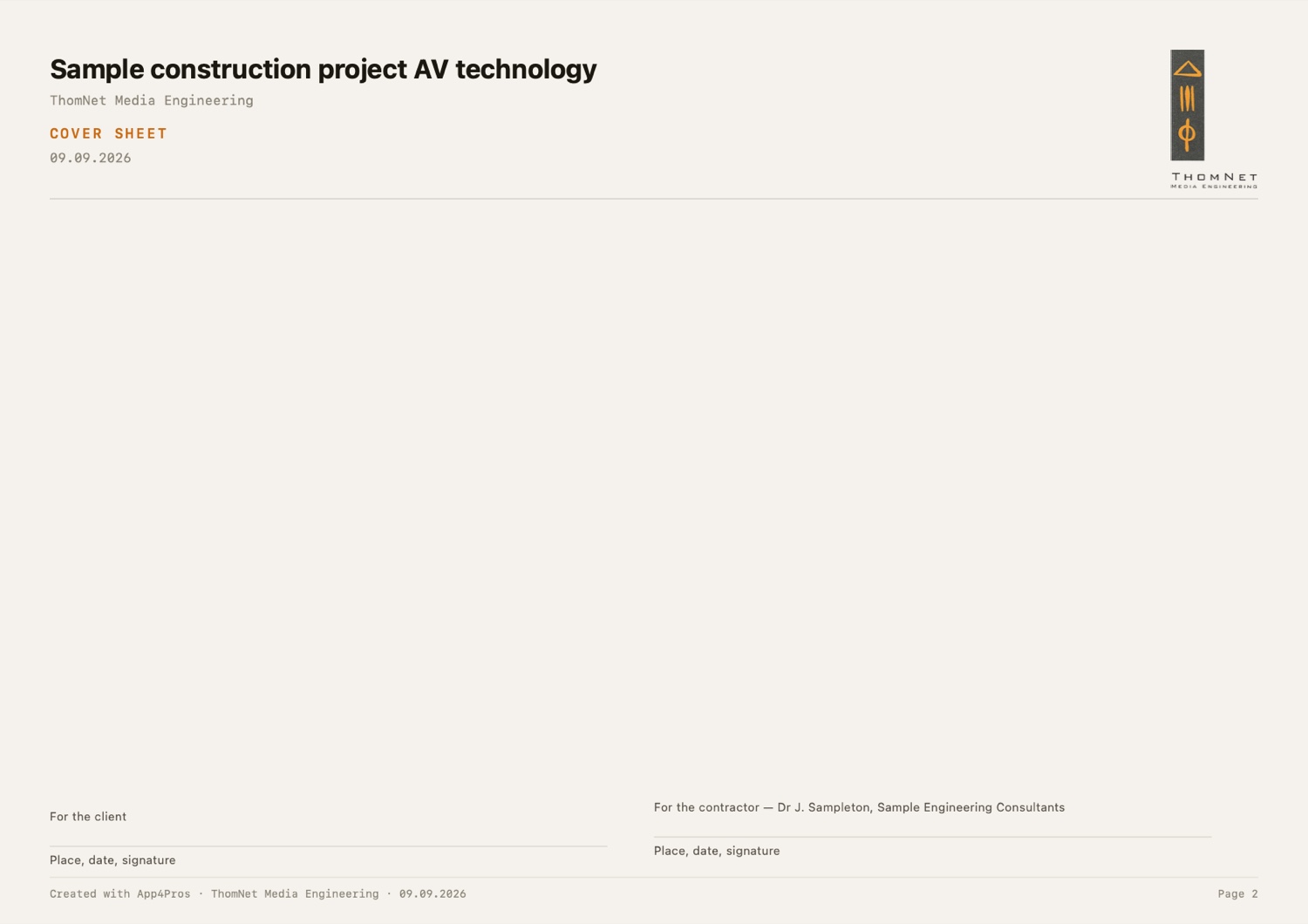
On a printout a filled area is more reliably recognised than coloured type — especially in a photocopy.
The accent carries the structure, the traffic light carries the finding. The accent never appears in a rating column.
A picture never slides onto the next page by itself. Otherwise the photo would stand there without its position.
The PDF goes round and gets signed. The workbook holds the same three sheets — that is where you record the rectification.
The inspection list. Every position that was inspected.
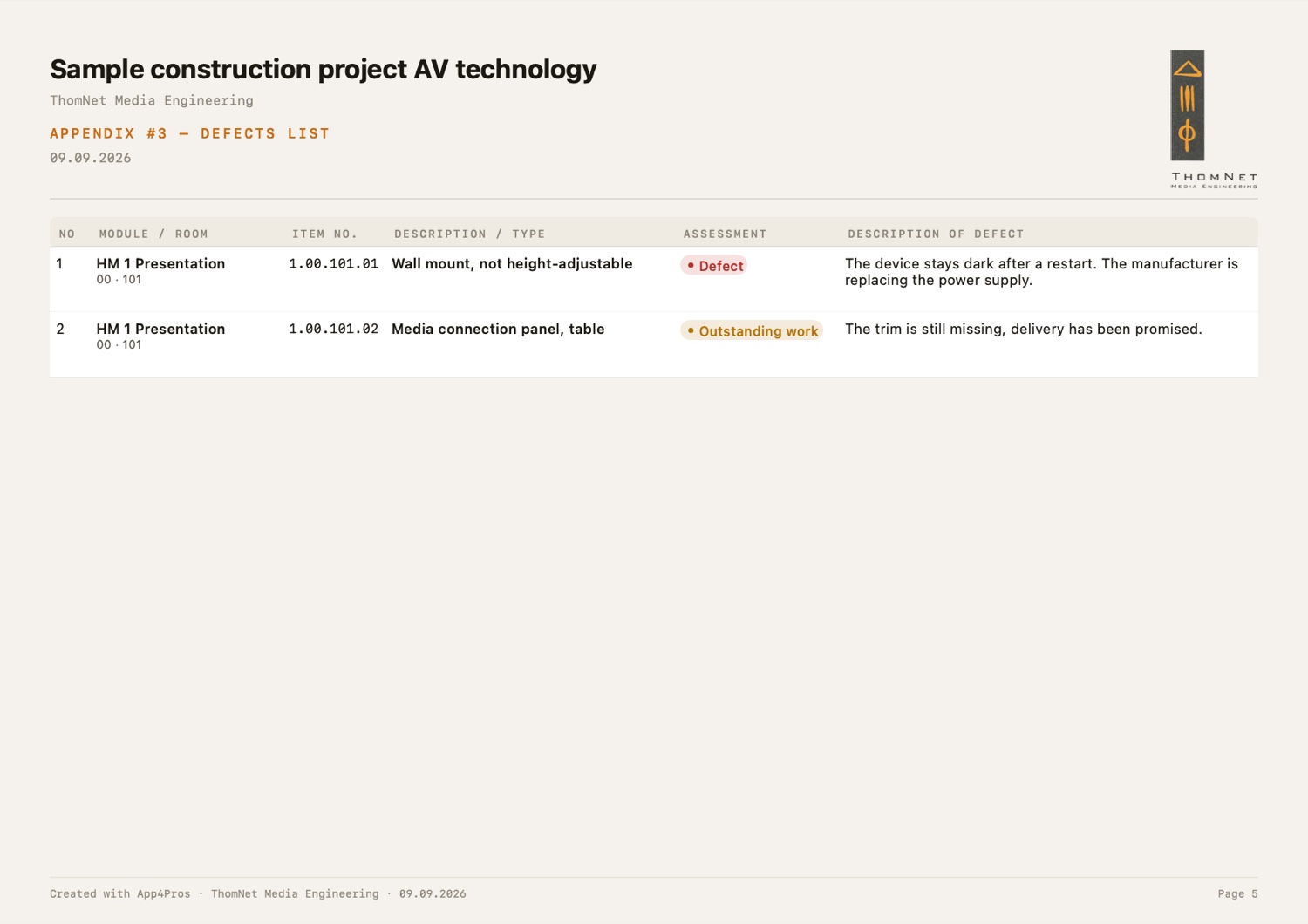
The defect list. Only the findings, with description and photo.
On request the count row by row — to settle it with whoever wrote the list.
Annex #2 is deliberately absent. The app does not capture the documentation — an empty sheet would only raise questions.
1. Every screenshot and report shown here comes from the app's sample project. All names, companies, addresses and figures in them are invented.
2. App4Pros is about to be released on the App Store. Access for testing is granted through TestFlight.