The order is not decoration — this is how a handover inspection actually runs. Each step has exactly one place in the app.
An inspection is a folder, not a file. The app creates it — on the device or wherever you choose — and puts two things inside: the list of project details and a template for your bill of quantities.
Your Excel list becomes the inspection list. The header row is found as soon as three known headings appear in it; only “Pos.” and “Description” are actually required. The order of the columns does not matter.
Floor → room → module → position. Only the position is rated; the three levels above it carry the summed-up progress. The order comes from your list, not from the alphabet.
Cover sheet, annex #1 and annex #3 — with every photo, in both files. Save into a folder or pass it on by mail or AirDrop.
The same module can sit in several rooms, and the same position number can appear more than once — once per unit. The app keeps both apart.
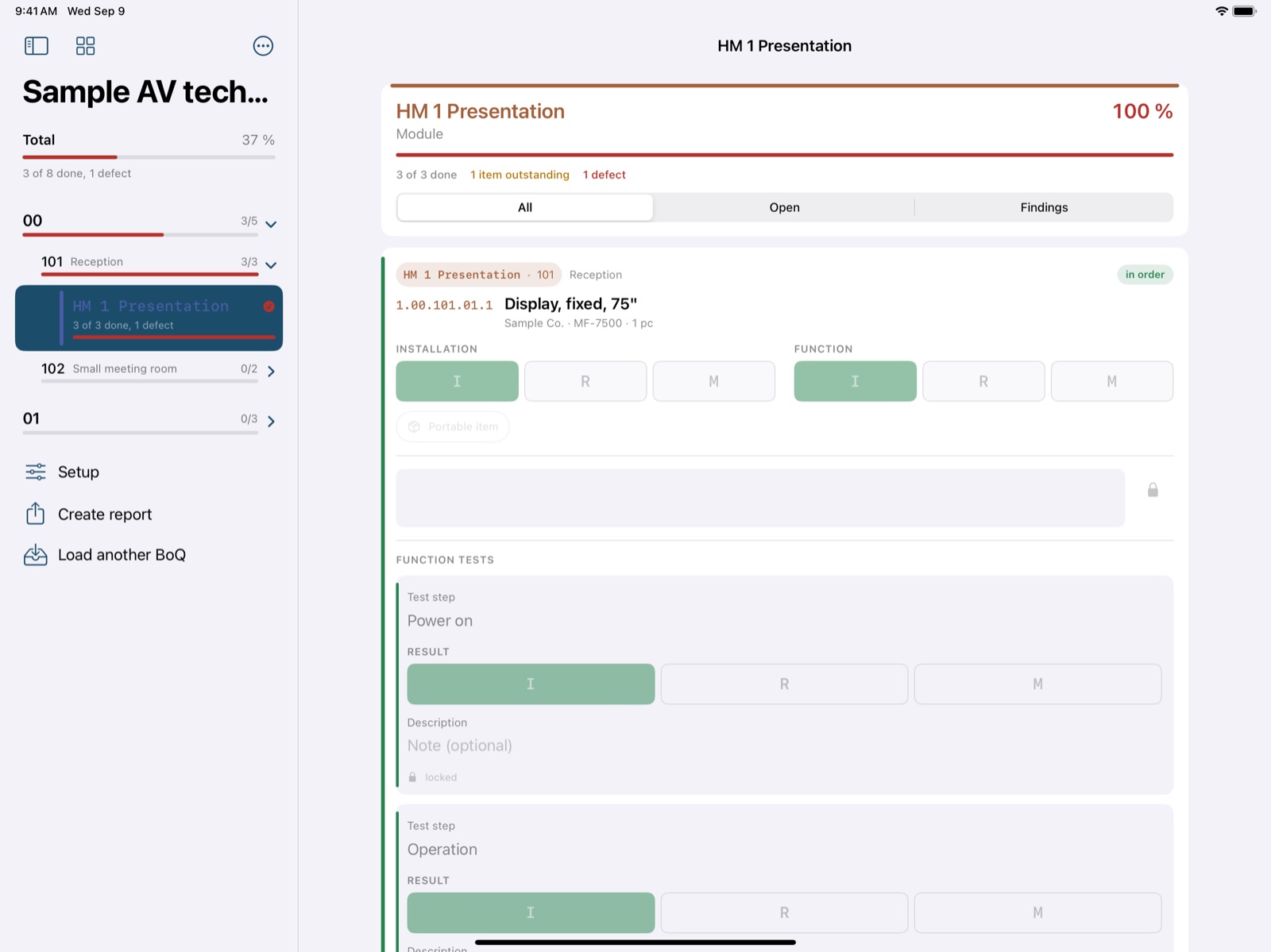
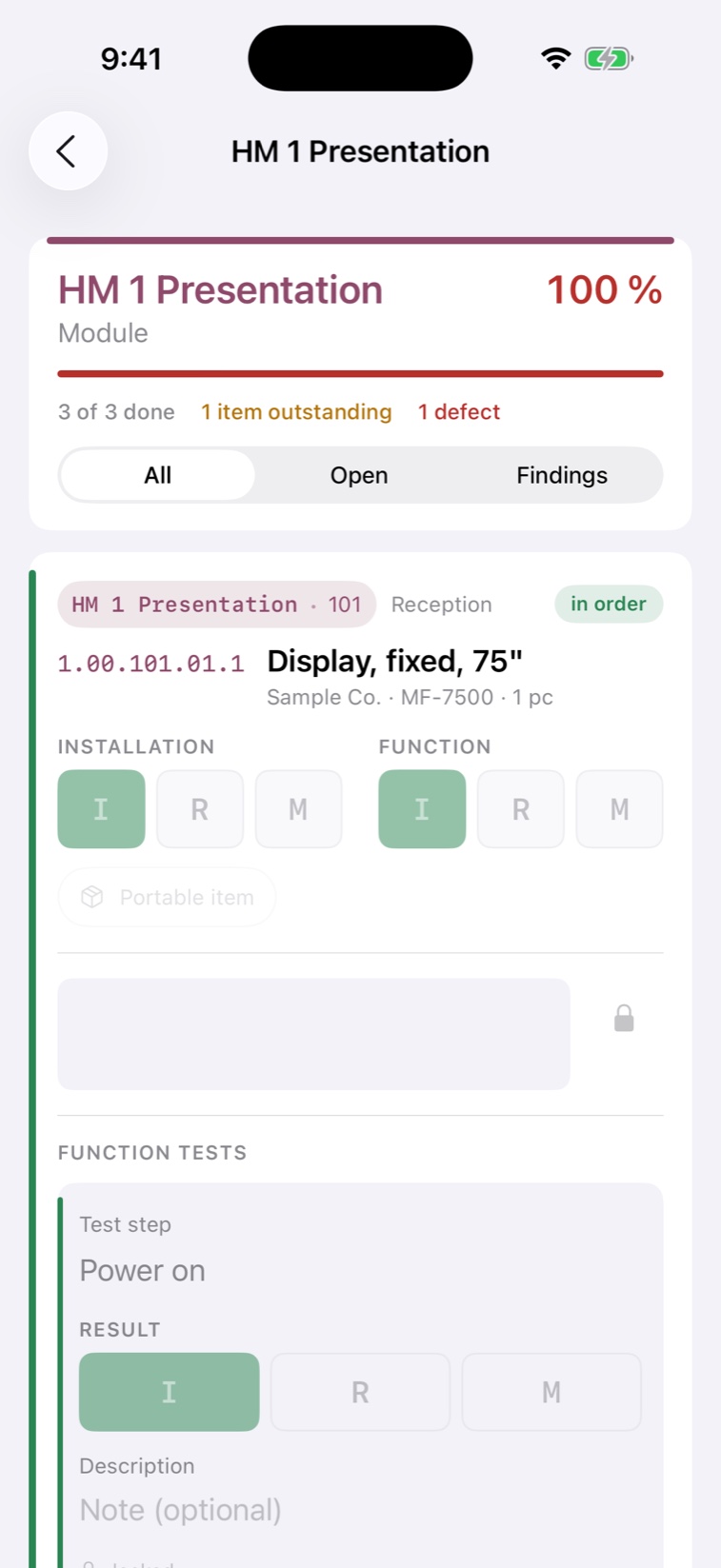
| Cells | Content |
|---|---|
| 1 – 3 | Installation IRM Exactly one mark. A second tap takes it back. |
| 4 – 6 | Function The same three. The more serious finding sets the colour of the row. |
| 7 | Description On every row, dictatable. For outstanding work and defects it is mandatory. |
| 8 | Photos Several per position — the wide shot and the close-up. Each picture with its own caption, dictatable as well. |
“Inspection passed” locks a finished position. When nothing can be decided on site yet, “Provisional” records the state without declaring it done.
A trolley is delivered, not installed. The three installation buttons stay in place but carry a dash and no longer accept a tap.
As many function tests per position as you like, each with its own result and its own text. One open test step keeps the position open.
A bill of quantities never yields as many inspection positions as it has rows. The difference has to be explainable — row by row.
| Rows with content | |
| − | Heading rows |
| − | Rows without a position number, usually room headings |
| − | Rows without a quantity, such as a reduction to zero |
| = | Inspection positions |
The calculation appears with your project's real figures in the cross-check list — every skipped row with its number and its reason.
1. Every screenshot and report shown here comes from the app's sample project. All names, companies, addresses and figures in them are invented.
2. App4Pros is about to be released on the App Store. Access for testing is granted through TestFlight.